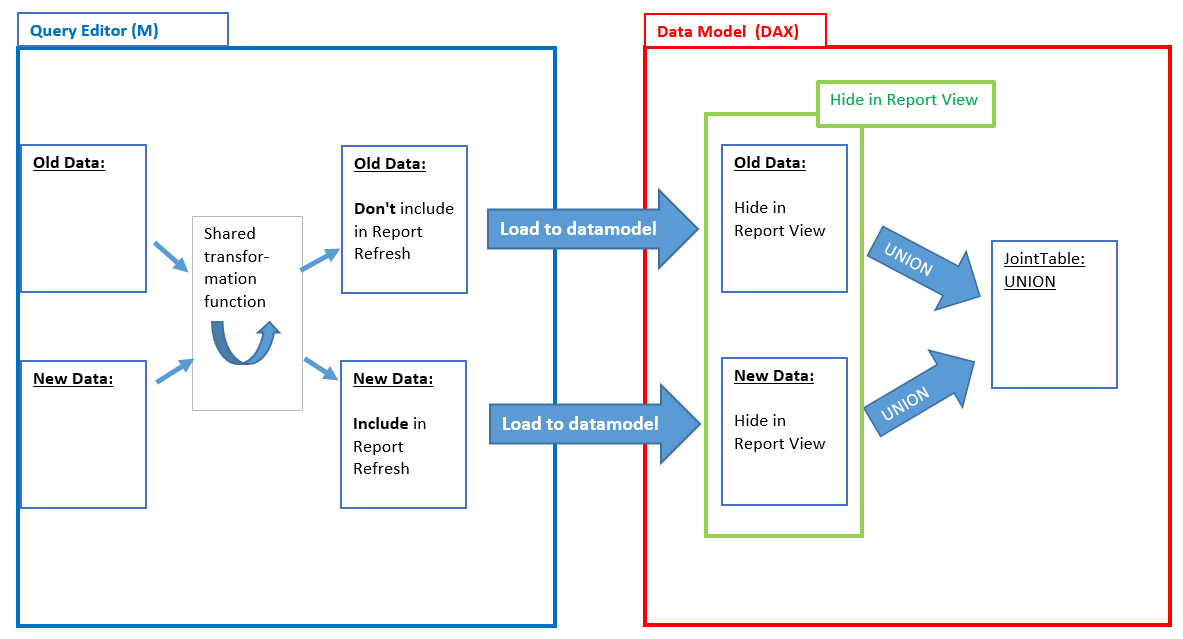
If you are working Power Query, you might come into a situation where you would like to make tables accessible from outside that file, that are longer than the 1,1 Mio rows who fit into an Excel-sheet. You can do that using the JSON-format and compression. That way you create a table in Excel that contains a JSON-text string, that can then be read and decoded again by Excel (or Power BI), using Power Query (or Get&Transform in Excel 2016).
You can download the file where a table with 2 Mio rows is compressed into a table with just 229 rows here: JSON_BreakRefreshChain4.xlsx
Simple idea:
Convert your table into JSON using the Json.FromValue-function. If we could export that JSON-file from here, we would be done already. But I haven’t figured out yet, if/how one could export or copy that from within the query-editor (apart from manual copy& paste, but that has also a limit of our good 1 Mio characters here). So if you have any idea about this, please share.