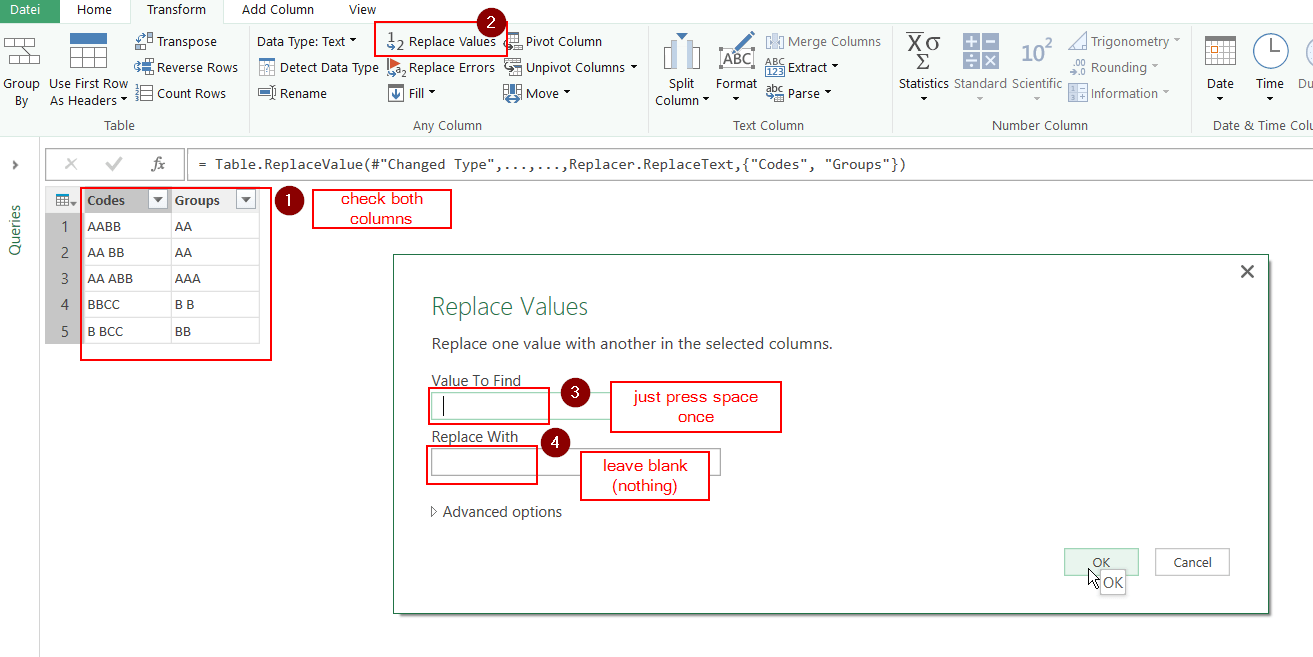
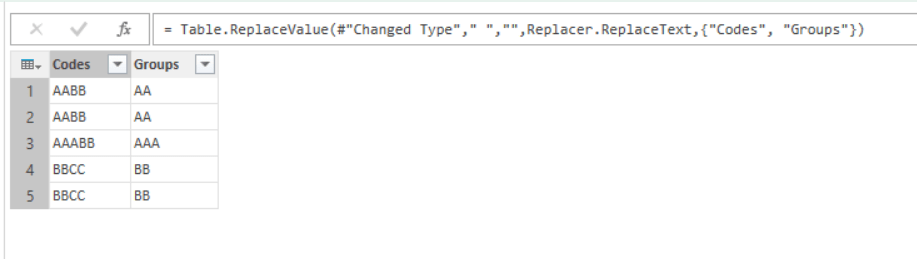
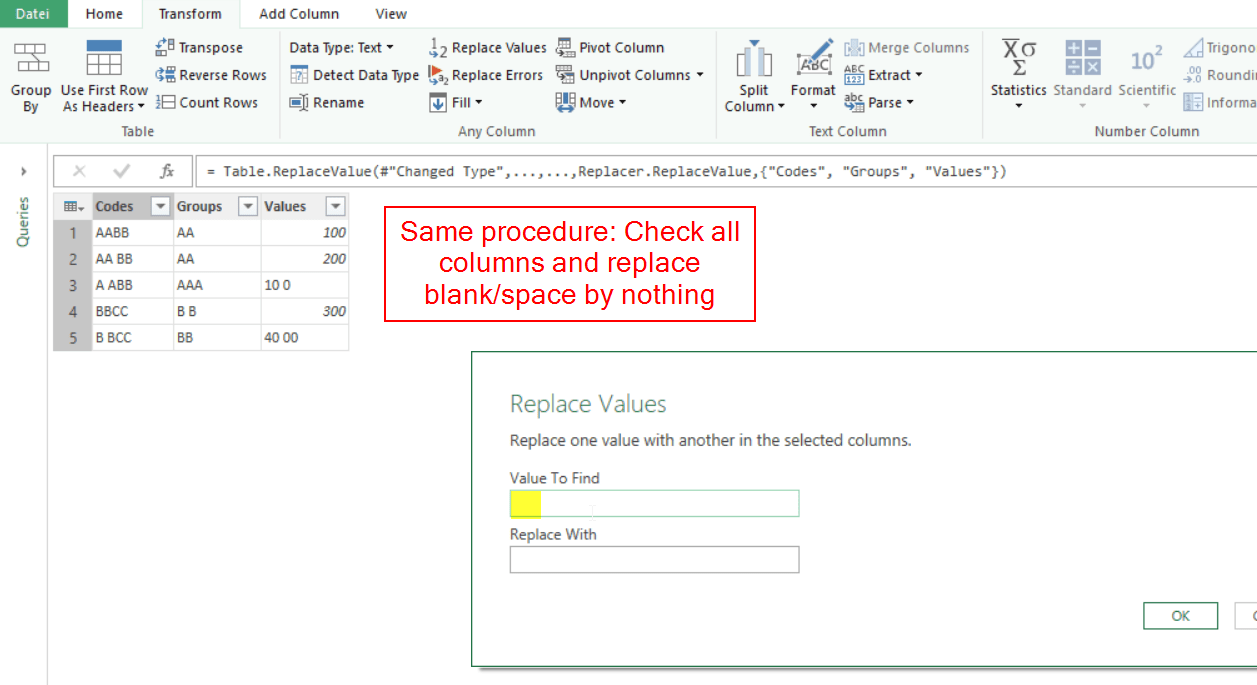
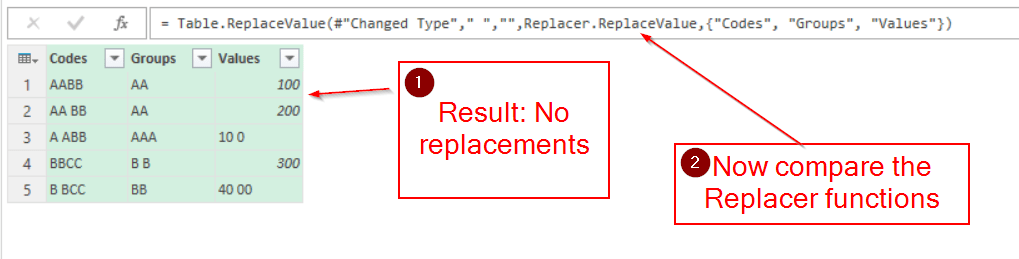
If you use Power Query or the query editor in Power BI every step you take will be recorded and translated to M-code. You can share this code and it will run in the new environment – so no need to actually exchange a file.
1 Check out what the M-code does
In order to make this code-sharing easy for beginners, I’m sharing my code in a way that it will run instantly with the test-data provided within the code. So you just copy my code examples into the advanced editor like this (example given for Power BI):
Home -> External Data -> Get Data -> Blank Query -> Home -> Query -> Advanced Editor.
There you replace all the content in the window: Check existing content, paste and click Done.

That’s all, now check out how it works: On the Home-tab check Close -> Close & Apply. This will load the data to the data model and you can build your reports with it.