Edit 2nd October 2021: Unfortunately this method doesn’t work any more, as Dropbox now requires proper OAuth authentication.
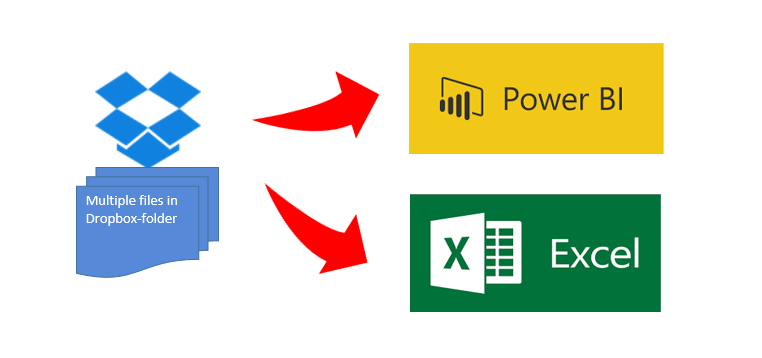
Below you’ll find a video where you can see how easy it is to import multiples files from a Dropbox folder into PowerBI or Excel at once.
There are 2 different methods to grant access to your Dropbox: Grant access to the whole Dropbox or to a (newly created ) folder only. I will present the folder-method, as granting access to your whole Dropbox is really dangerous in my eyes – unless you are prepared to share it all publicly: The token generated will allow anyone to read your data. So also all those people who you’ve sent this beautiful dashboard where you just forgot that it contained your token…
To make it super-easy for you, I’ve created a function that you can download here: fnDropboxFolder
The code for it I’ve got from this thread in the PowerBI forum, which contains some additional useful information and a link to a solution with a custom connector for PowerBI, making it easy to deploy in a corporate environment (designed by Igor Cotruta).
Just watch how it works: