
Marco Russo has created a great tool for SSAS tabular that lets you edit measure definitions (which you should read here first if you haven’t done yet).
In this article I’ll show you how you can use it to import multiple measures from different tabular models into your current model.
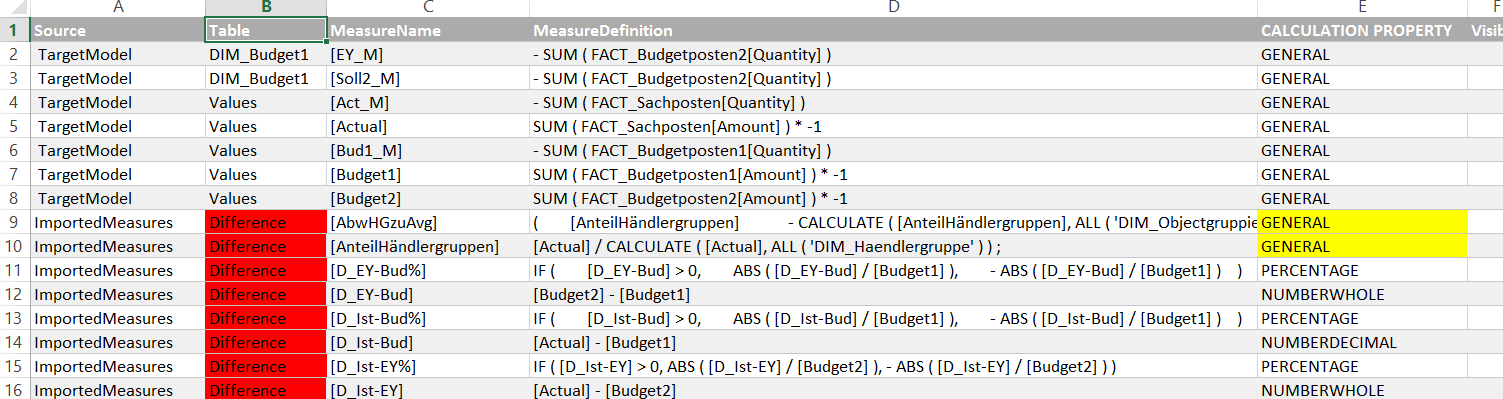
The way the DAX-editor works is that it exports the existing measures from your model as a text file and imports them back after you’ve done your transformations. My technique will add the measures from the other model automatically to the existing measures so that both can be loaded back into your current model. In addition to that, you will have a UI with a process that guides you through the necessary steps that come with a task like that, which are:
- select only those measures that you actually need
- check references to existing measures and columns from the import model and manage their handling
- allocate the tables into which these measures are going to be imported
This will all be done in a Power Query-powered Excel workbook that you can download here: DaxEditorEditor_Final2.xlsm
These are the steps: