Your Oracle data import in Power BI and Power Query is slow?

If you’re using the native Oracle connector in Power Query, you will probably experience a very slow import performance. Thanks to Tristan Malherbe for recommending to use the OleDB-connector in Power Query instead. This speeds up import enormously. Just have in mind, that this method might prevent query folding, so it is mostly suitable for scenarios where you have to pull the full tables anyway.

How to create the connection string

If you’re using the OleDb.DataSource connector instead, you have to pass a connection string as the first parameter and an optional query record as the second parameter. To speed it up even more, you should use a FetchSize parameter in the connection string. For me, this didn’t work when I pasted it into the popup-window. So I had to manually add it in the query editor:

OleDB connection to an Oracle database

The “:1521” in the connection string is the port number, which is usually 1521 for Oracle databases.
Read more

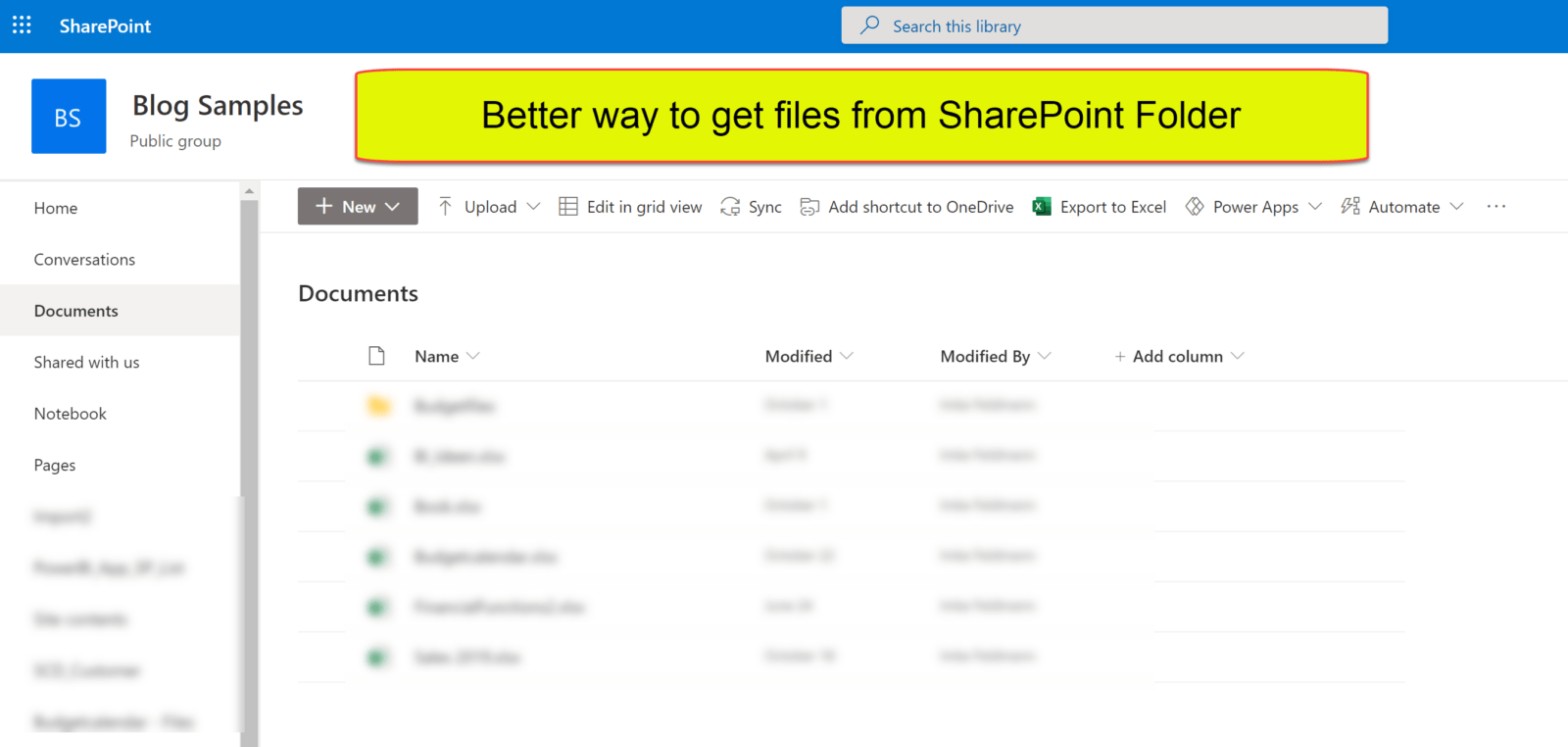
Improve File Import from SharePoint in Power BI and Power Query

When you use the UI to import files from SharePoint, you’ll end up with the Sharepoint.Files function. This function can become fairly or super slow when you use it on large SharePoint sites. This is due to the fact, that it will retrieve metadata for ALL files that lie on the site. Meaning: The root site whose URL you have to enter as the function argument.

First fix attempt

The optional parameter ApiVersion = 15 can speed things up (if available in your tenant). Check the Sharepoint.Files function syntax in your query and add a 2nd function parameter like so:
= “https://……linkToYourSharepointSite…”, [ApiVersion = 15])

Alternative

A faster alternative to the SharePoint.Files function is the function SharePoint.Contents. This function will read much less metadata and that seems to make it faster. But it comes with a different navigation experience: It basically only allows to select files from one folder.

Therefore I’ve created 2 functions that overcome those limitations.

Read more

Convert DateTime to ISO 8601 date and time strings in Power Query

Often, when querying APIs it is required to enter date and time filters in ISO 8601 format . Today I show a quick way to convert DateTime to ISO 8601 string, based on an ordinary DateTime field according to the following pattern:

2020-10-11T15:00:00-01:00

This represents the 11th October 3pm in UTC -1 timeszone.

Steps to convert DateTime to ISO 8601

If I enter:

#datetime(2020,10,11,12,0,0)

into the formula bar, it will be converted to :

11/10/2020 12:00:00

Comparing to the desired ISO format the year, month and days are in the wrong order. So using the universal Text.From function will not return the correct result.

Read more

Retrieve header fields like response status from Web.Contents in Power BI and Power Query

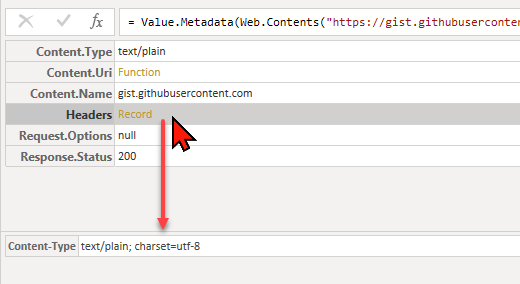
Many Power Query function not only return their values as advertised in their function documentation, but on top of that a metadata record. This record is like tag that holds additional information about the returned main value (for more details about this, please check out my friend Lars Schreiber’s article about it). Useful metadata for … Read more

Transform a query into a function in Power Query and Power BI

In my previous blogpost I’ve described a method how to extract a substring that follows a certain pattern from a string. In this post I show how to transform a query into a function that can be applied to many rows of a table.

Video how to transform a query into a function

Please check the video for detailed steps. In there I also show how to modify the code. It shall also detect strings with a sequence of just 8 numbers. In the original query, those had to be followed by a minus sign and another number:

Read more

Extract pattern string and numbers from text using List.Accumulate in Power Query

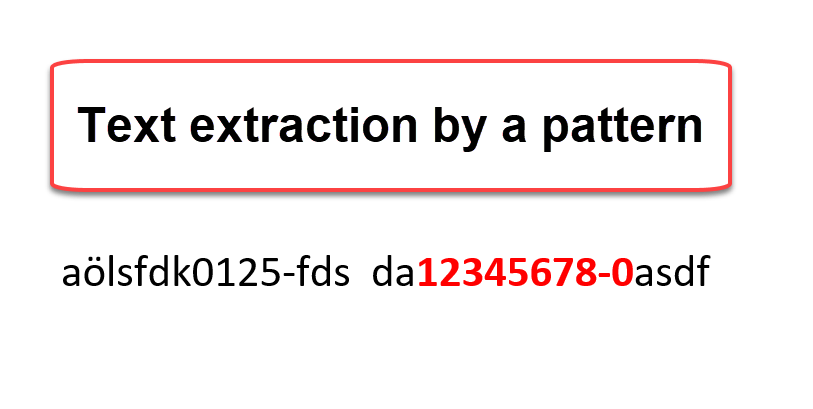
A typical task when cleaning data is to extract substrings from string that follow a certain pattern. In this post I’m going to describe a method that uses the List.Accumulate function for it. Extract a pattern string.

Task

I have to extract a payroll key from a description field that starts with 8 number, followed by an “-” and another number.

aölsfdk0125-fds  da12345678-0asdf

So I’m after the 12345678-0.

Plan

I plan to approach this by

Read more