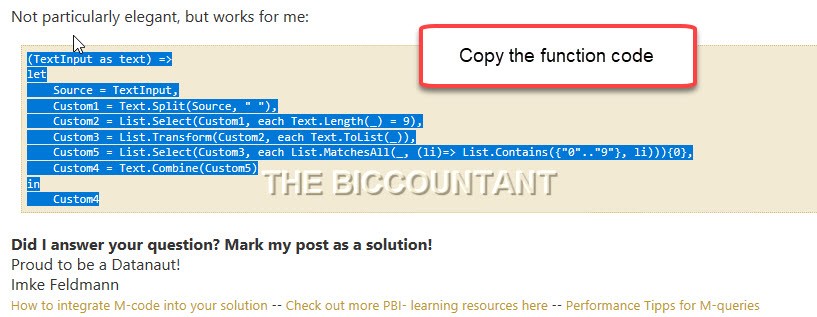
How to cancel your Power Query refreshes fast in Power BI and Excel

If you’re working with large data or complex queries that take a long time refresh, cancelling one of those refreshes can even take longer time, especially, if the query has run for quite some time already.

Luckily, there is an easy trick to cancel refresh without loosing the work you’ve done already:
Step-by-step-instruction

Read more

Query folding on JoinKind.Inner gotcha for Power BI and Power Query

If you query databases who support query folding, you’re probably very aware of every step you take and check if folding happens with every new step like so:

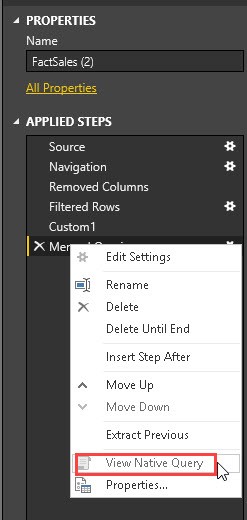
“View Native Query” shows folding query that’s send back to the server (if not greyed out)

Folding will (usually) happen as long as “View Native Query” isn’t greyed out.

So when doing an inner join on tables whithin the same database, I was a bit surprised to see this greyed out actually. As according to the literature, it should fold.

But guess what? After I expanded a column from it, the folding was back again:

Read more

Bulk-extract Power Query M-code from multiple Excel files at once

Some time ago I published a function that extracts all M-code from Power BI (.pbix)-files. Today I publish the pendant to Bulk-extract Power Query M-code from multiple Excel-files at once. The code contains many elements from the before mentioned, so please refer to that article for reference.

How to use

The function below has just one parameter where you either fill in a full filename (incl. path) of an Excel file, or a folder path where multiple files reside. The function will automatically detect the right modus and spit out the M-code.

Read more

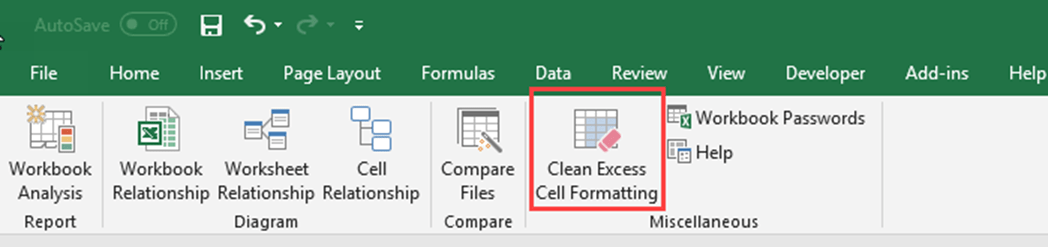
Improve import of Excel sheets with empty rows and columns in Power Query and Power BI

When you import Excel sheets who have empty leading or trailing columns and rows (showing null-values), you can substantially improve the complexity and speed of your import process with a simple trick: Remove the reasons for the empty trailing rows and columns 😉 Background Usually, when you import data from an Excel sheet, Power Query … Read more

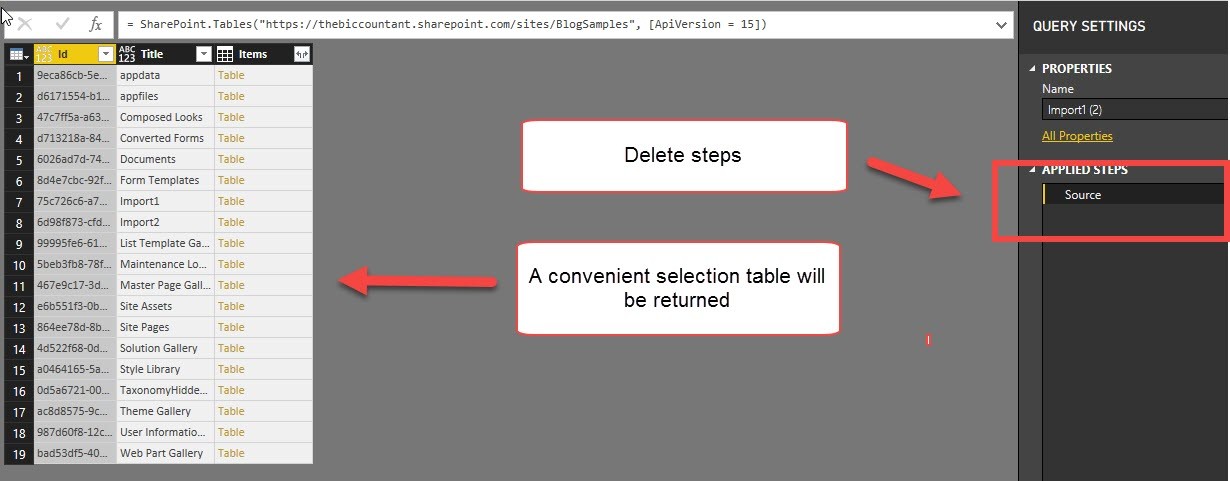
Import data from multiple SharePoint lists at once in Power BI and Power Query

This is a quick walkthrough on how you can easily import multiple SharePoint lists at once, just like the import from folder method.

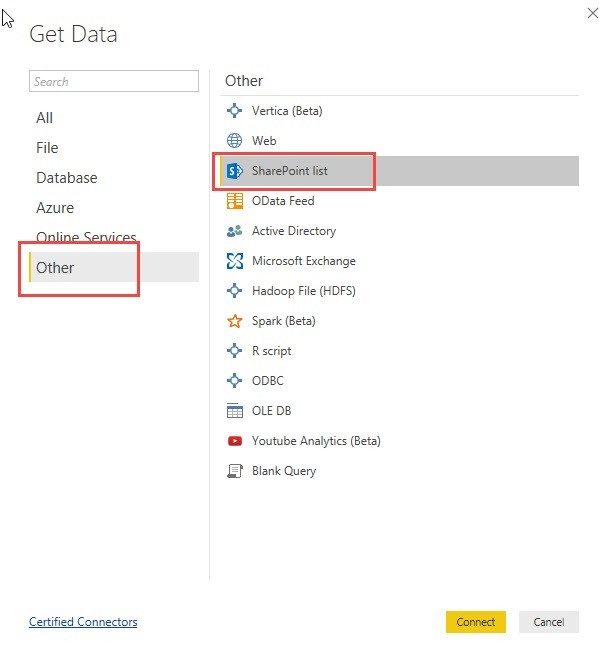
Start as usual

You start your import like this:

Pass the URL to the folder where your lists are located:

In the next step you would normally choose all the multiple SharePoint lists you want to import:

Read more